Creating discs via the blank archive
You can use the blank archive to create discs without using the main workflow.
-
Open the blank archive with the following icon in the Main icon bar:

-
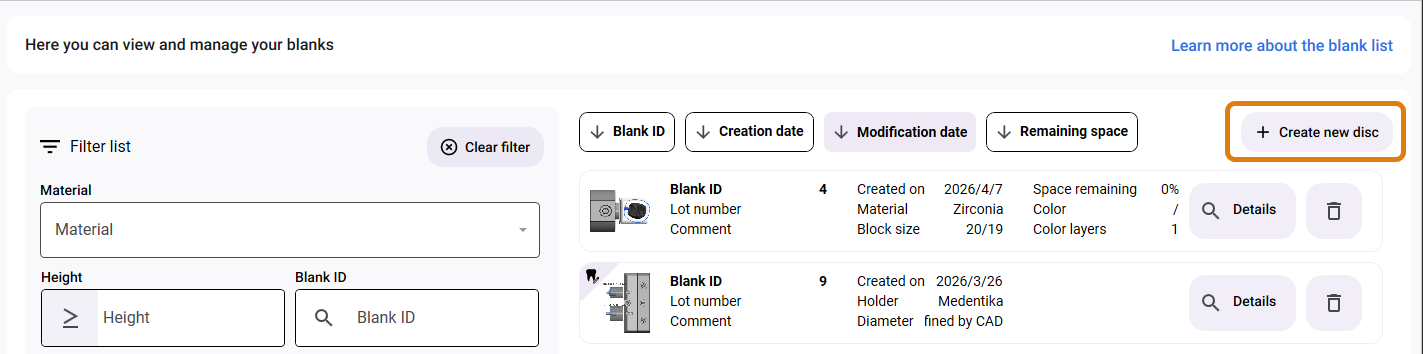
Select the Create new disc button in the upper-right corner.
-
Continue to create the disc as you did in the main workflow. For instructions, see Creating or loading blanks during the main workflow.
dentalcam displays the list of saved blanks.