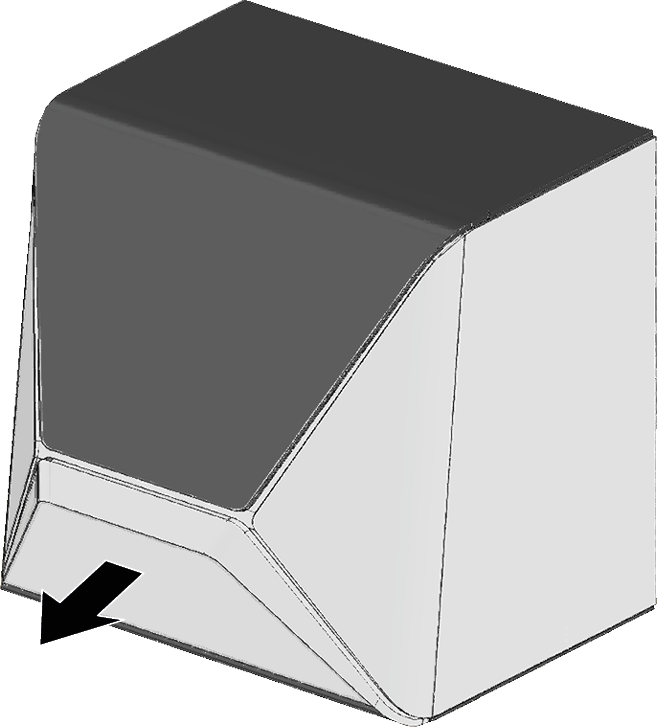
Operating the working chamber door and multi-purpose drawer

→
→
→
→
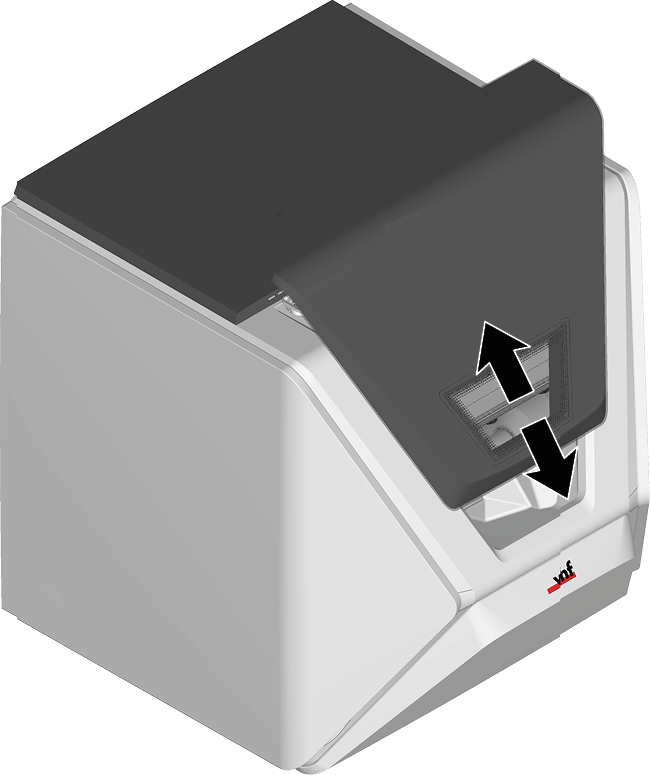
Open and close working chamber door
NOTICE
Machine damage due to improper handling of the working chamber door
The working chamber door is operated by electricity. If you manually open or close the working chamber door, you can damage the machine.
- Manually open or close the working chamber door only in case of an emergency.
- Before you manually open or close the working chamber door, read the respective information in the chapter Operation: Executing jobs.

Open and close multi-purpose drawer
NOTICE
Damaging of the machine by operating the multi-purpose drawer inappropriately
If you open the multi-purpose drawer by force, if you do not maintain it properly or if you do not remove leaked cooling liquid, the machine may get damaged.
- Before you pull out the multi-purpose drawer, unlock it.
- Check regularly if the area below the cooling liquid tank is dry and remove leaked cooling liquid immediately.
 To open the multi-purpose compartment, select the depicted icon in dentalcnc.
- After a couple of seconds, the drawer will move slightly forward.
- Pull the drawer open.
- To close the multi-purpose drawer, push it until it locks back in place.
- You will hear a clicking sound.