Drying the working chamber with compressed air
You can manually perform the drying process using heated compressed air on R5 machines.
-
Open machine management with the following icon in the Main icon bar:

-
Select the Service functions tab.
-
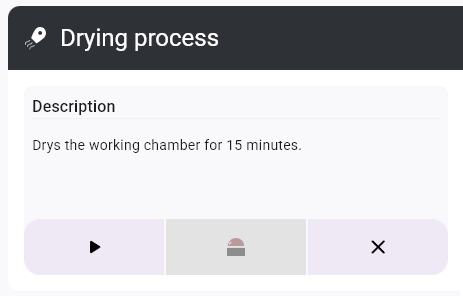
In the Drying process function, select the Start button.

-
A window opens.
-
Start the process with the following icon:
-
The drying process starts.
-
Wait until the process is finished.
-
Close the function with the icon.
To cancel the process, select the  icon.
icon.


