Job queue

Once you have started at least 1 job calculation, you can track its progress in the job queue. There, you can also specify the maximum number of parallel calculations.
Requirement You have started at least 1 job calculation.
Open the job queue
-
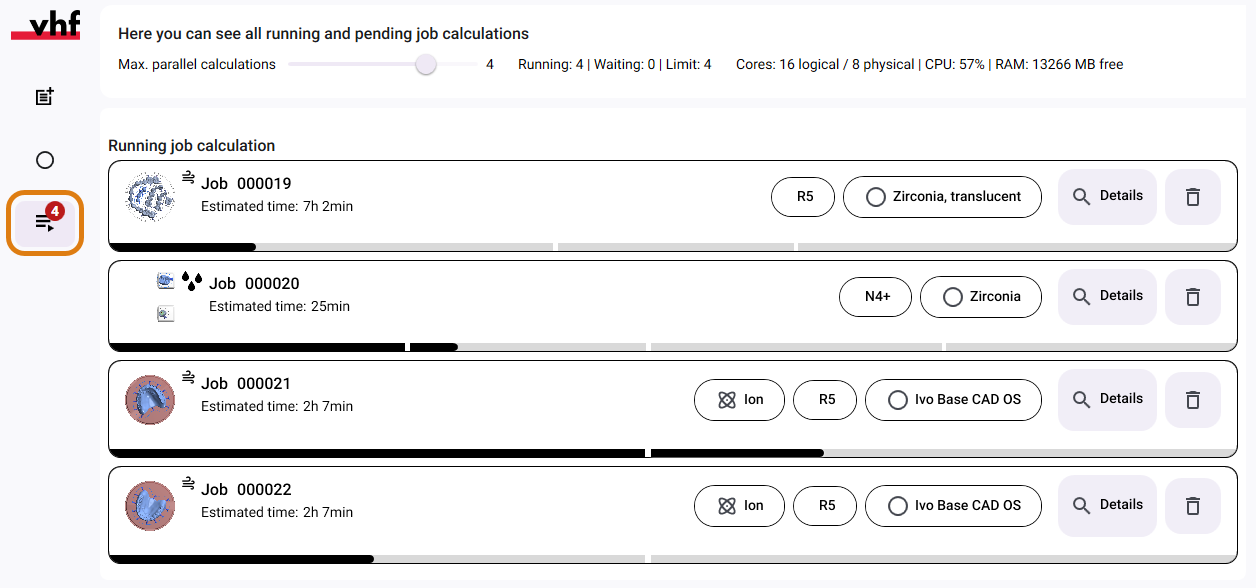
Open the job queue with the following icon in the Main icon bar:

A number next to the icon displays the number of jobs currently being calculated.
Set the maximum number of jobs to be calculated in parallel
When calculating jobs at the same time, dentalcam takes your computer’s capacity into account make optimal use of it. You can manually limit the maximum number of jobs.
-
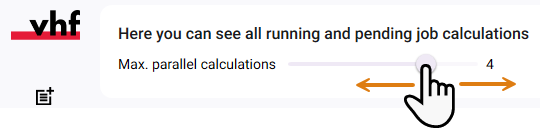
In the queue header, set the slider to the desired value.