Change OEM Profile
vhf offers dental milling machines as OEM models to selected business partners. These OEM models are represented in dentalcam as OEM profiles. If you are using multiple OEM models and want to switch between them, you must also change the OEM profile in dentalcam accordingly.
Only one OEM profile can be active at a time. All OEM profiles are included dentalcam. You do not need to install adjusted dentalcam versions.
-
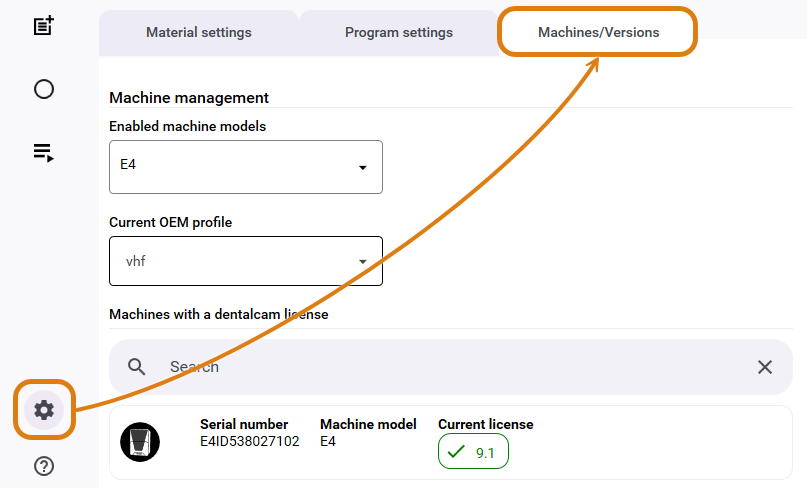
Open the dentalcam settings with the following icon in thesystem menu:

-
Open the Machines/Versions tab.
-
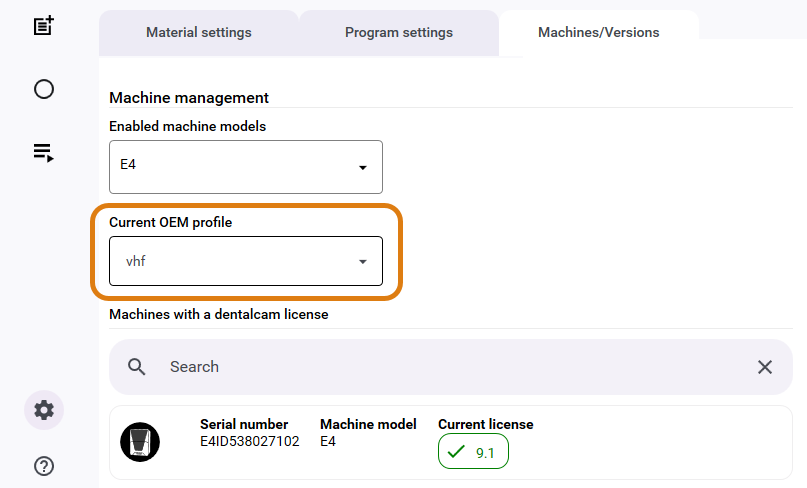
Select the desired OEM profile from the Current OEM Profile drop-down list.