Getting started with your E3
Step 1: Unpack the machine
Has the machine just been delivered to your location? Then unpack it and set it up.
Watch the video
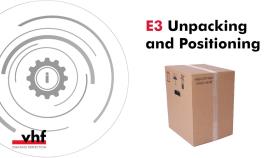
YouTube video – When viewing this video, personal data is sent to YouTube, LLC, USA. Privacy statement
Step 2: Get to know your machine
Get an overview of the components, control elements and connections of your machine.
Watch the video
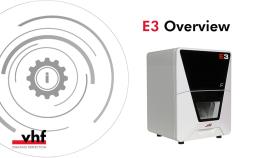
YouTube video – When viewing this video, personal data is sent to YouTube, LLC, USA. Privacy statement
Step 3: Install the machine
Check the scope of delivery, connect the machine and put it into operation for the first time.
Watch the video

YouTube video – When viewing this video, personal data is sent to YouTube, LLC, USA. Privacy statement
Step 4: Edit jobs
Insert the correct tools, mount blanks and start machining.
Watch the video
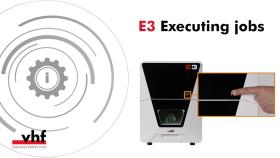
YouTube video – When viewing this video, personal data is sent to YouTube, LLC, USA. Privacy statement
Do you need more background information?
trimcam
dentalcam & dentalcnc
dentalcam: Key concepts and features
dentalcnc: Key concepts and features


