Leaving a company profile
If you leave your company, you should delete your company profile via your vhfid. Otherwise, you cannot join a new company profile, as a vhfid can only be assigned to one company profile.
Requirement: Your vhfid is of member of a company profile
-
If necessary, sign in using your vhfid:vhfid sign-in page.
-
Open the myvhf user menu via the user icon.
-
Select a name for your company profile.
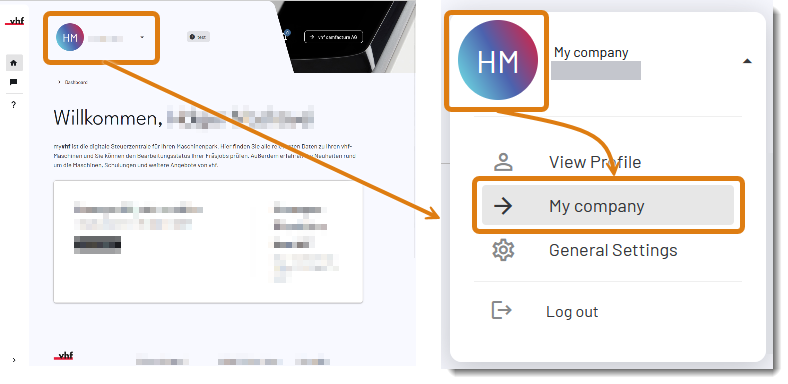
The company profile shown in the image is an example called "My company"
-
Company administrators: Select the Team tab.
-
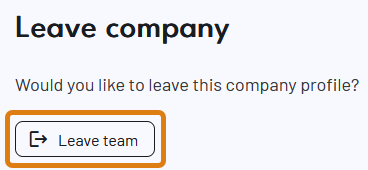
Scroll to the Leave the company section.
-
Select the Leave team button.
-
Confirm the current message.
-
myvhf immediately removes you from the company profile.


