Activating push notifications in myvhf
By default, you activate push notifications in myvhf via the notification overlay. This method works both in the browser and in the myvhf app.
-
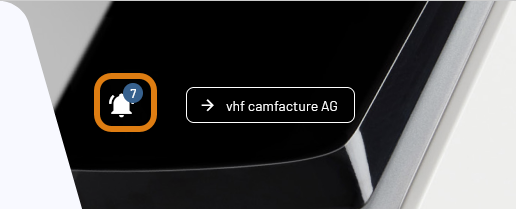
Open the notification overlay with the following icon at the top of the page:

-
In the notification overlay, select the Activate push button.
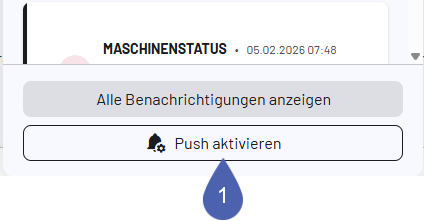
If the icon is not displayed, push notifications may be blocked.
For instructions on how to do this, see Allowing blocked push notifications.
-
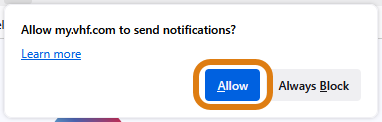
Your browser or myvhf app will display a dialog window asking you to allow push notifications.
-
Enable push notifications via the corresponding button.